Available nowEnter and discover
Start with a scan or a question.
Guests enter the right restaurant and service mode, browse by category, search the menu or ask for help finding the right dish.
No matching languages found.
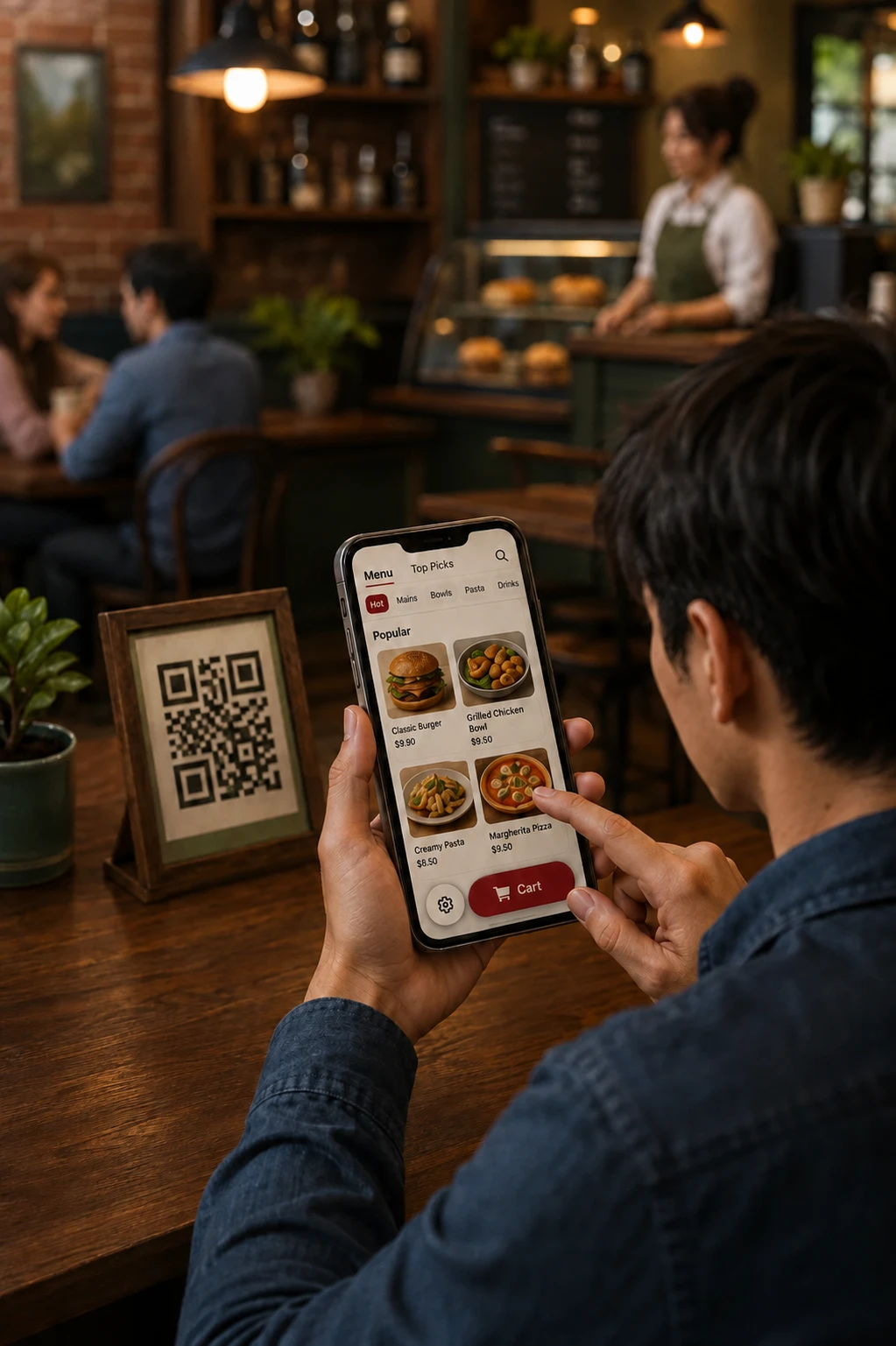
Guests browse, ask, customize, confirm, pay and track. Staff move the same order through service.
Available now · Payment options depend on restaurant setup
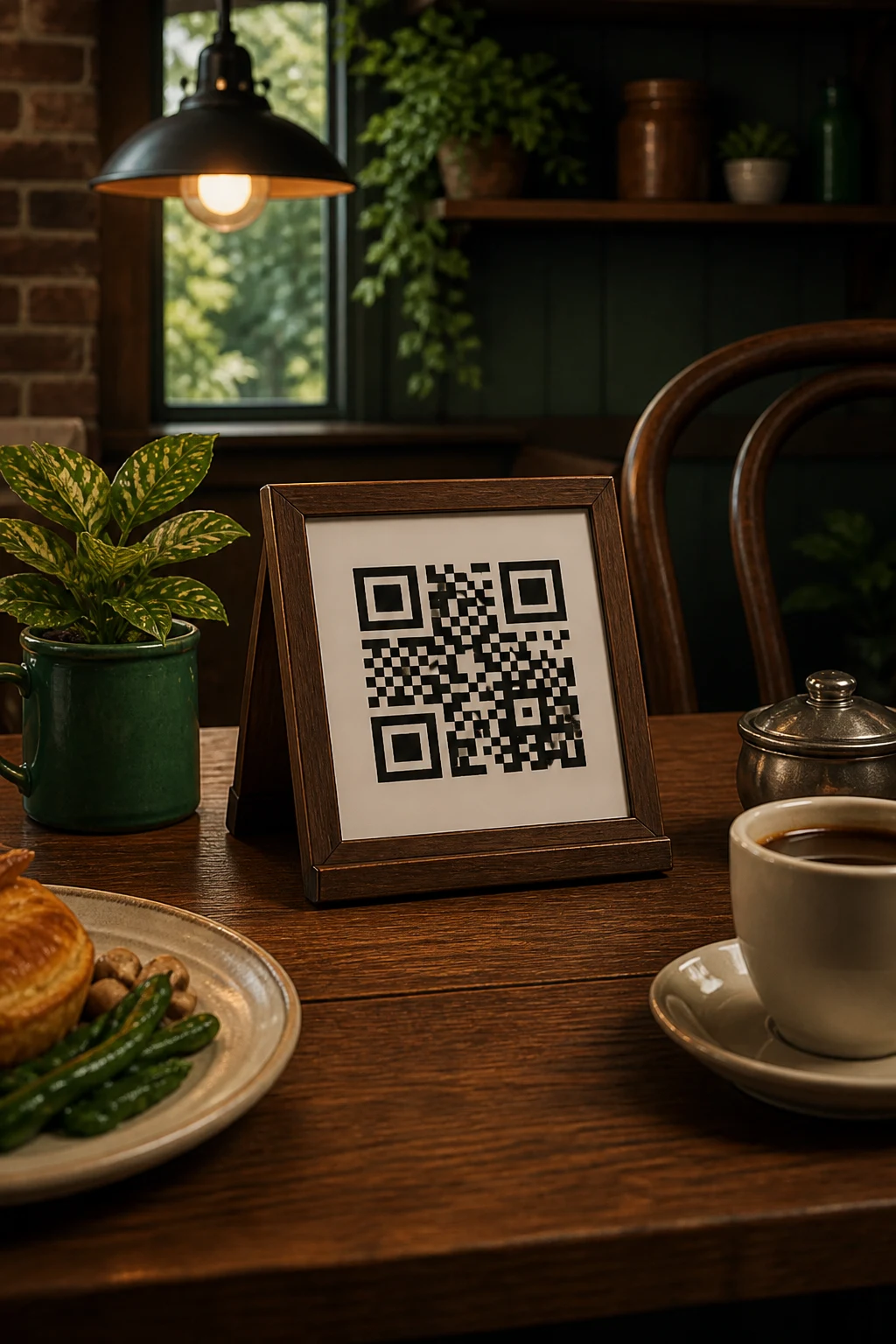
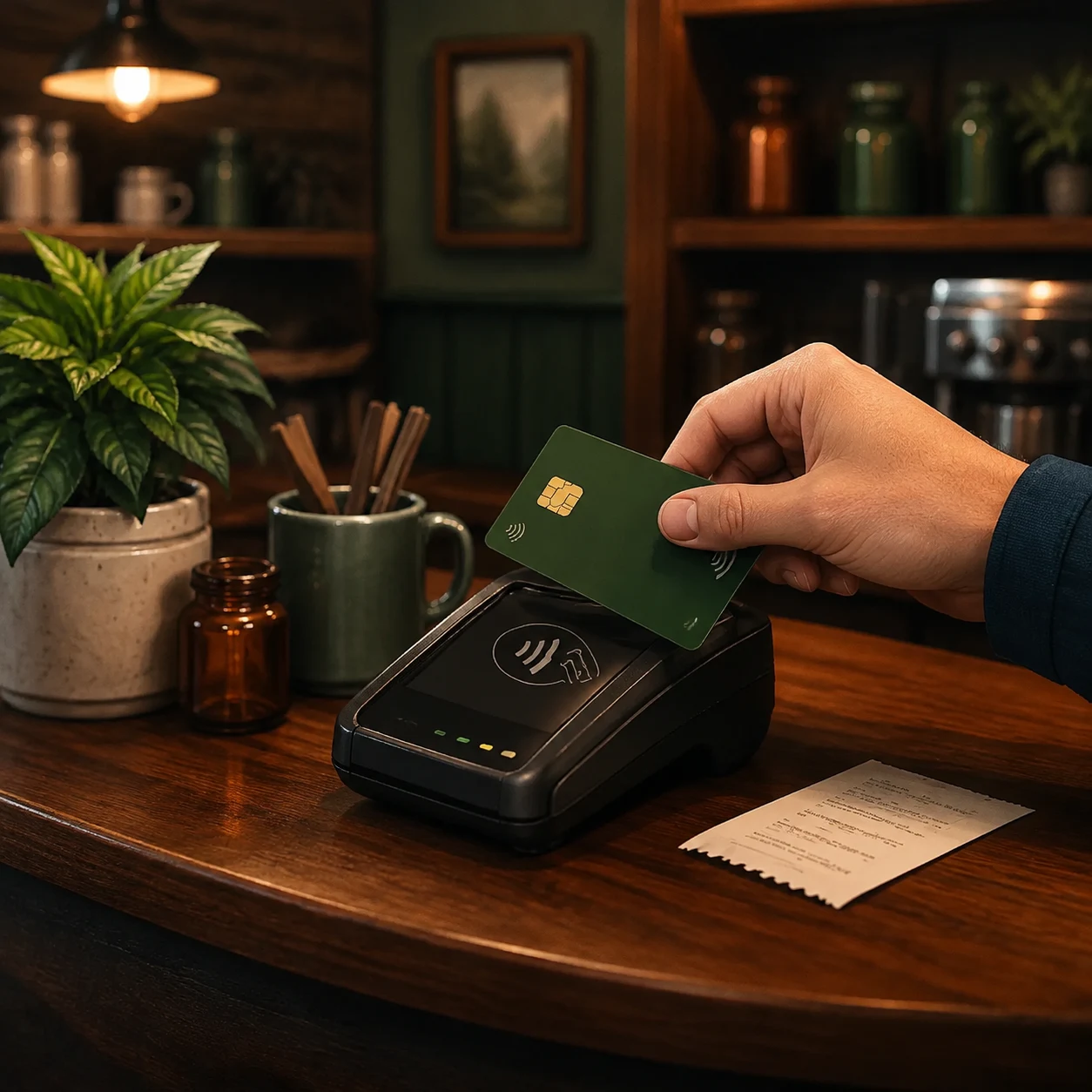
The same confirmed order moves into live restaurant service.
Guests enter the right restaurant and service mode, browse by category, search the menu or ask for help finding the right dish.
TMenu builds the draft from available menu data, reads the order back and waits for guest confirmation before placing it. Supported cards and digital wallets appear where the restaurant, provider, device and browser allow them.
Restaurant teams receive live orders, move them from pending to completed, handle supported payment or refund steps and keep the guest’s status current.
TMenu is moving toward shared guest context across supported channels, AI-assisted exception handling and clear measurement of assisted conversion and human intervention.
No. It reads the restaurant’s stored menu, options, prices and availability.
Wallet availability depends on the restaurant’s payment setup, provider, device, browser and ordering experience.
The order enters the restaurant’s live workflow, where staff can confirm it, prepare it, mark it ready and complete it.
Create your account and begin with the restaurant information you already have.
Get started