01
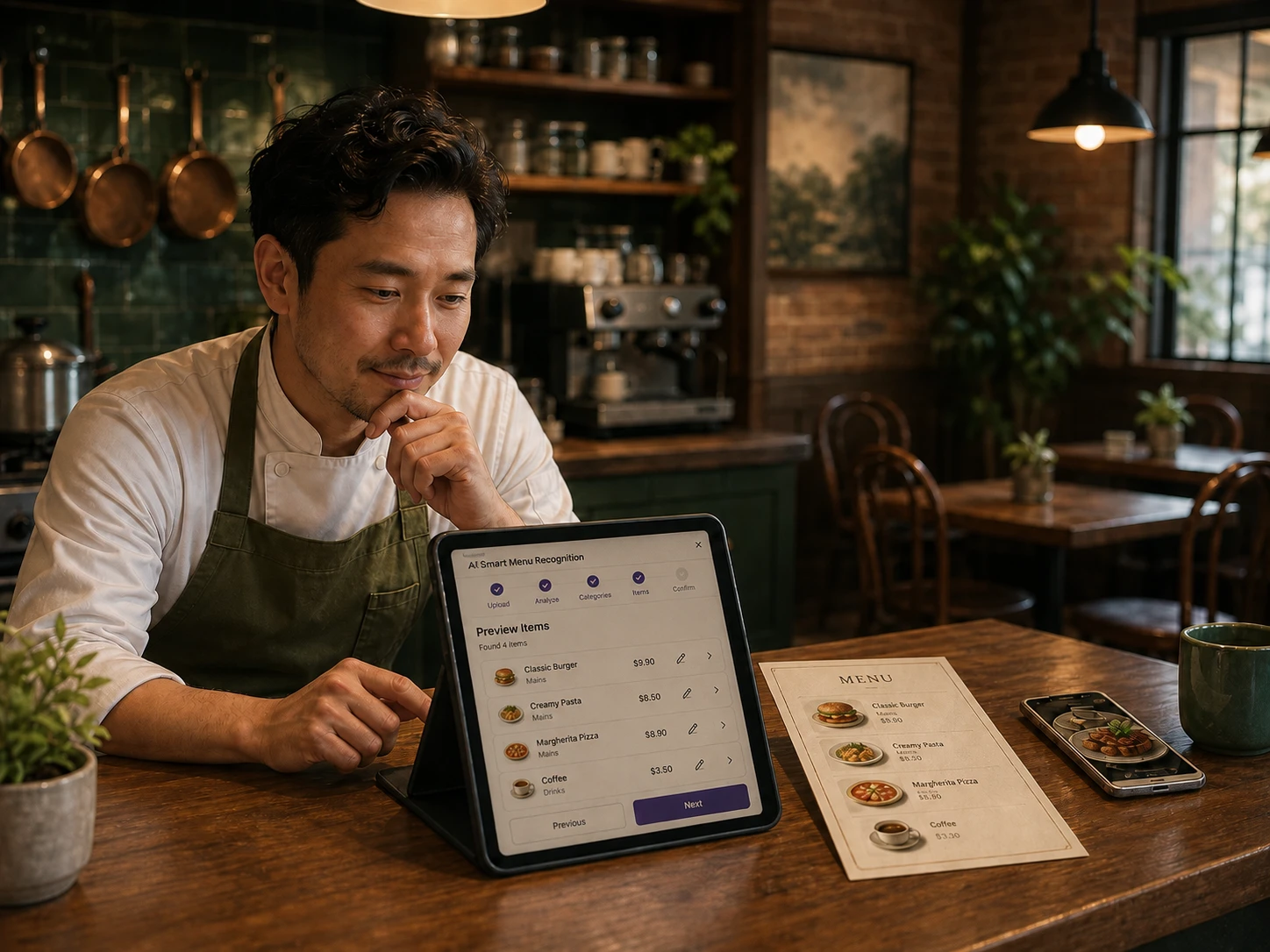
Smart scanPaper menu photo
JPG or PNG
No matching languages found.
Import it once, review it, translate it and keep it useful across ordering, phone and restaurant operations.
Available now · Restaurant review before import or supported changes
The restaurant reviews before import.
TMenu can read categories, dishes, descriptions, sizes and prices from one supported menu image. The restaurant reviews the result before importing it.
Categories, items, options, modifiers, prices, schedules and availability become structured information for guest ordering and restaurant management.
Translate menu content, polish existing descriptions and improve or generate dish images with review. The same menu information supports the guest web experience and Phone AI pilot.
TMenu is moving toward proactive menu-quality checks, evidence-based change proposals and measurement after the restaurant approves an update.
Not in the current Smart Scan flow. It accepts one JPG or PNG image up to 10 MB.
No. The restaurant reviews the scan before import. Translation is a separate supported workflow and should also be reviewed.
Supported menu changes require a merchant proposal and confirmation. Broader proactive menu suggestions are part of the product direction.
Create your account and begin with the restaurant information you already have.
Get started